Custom Case Tool
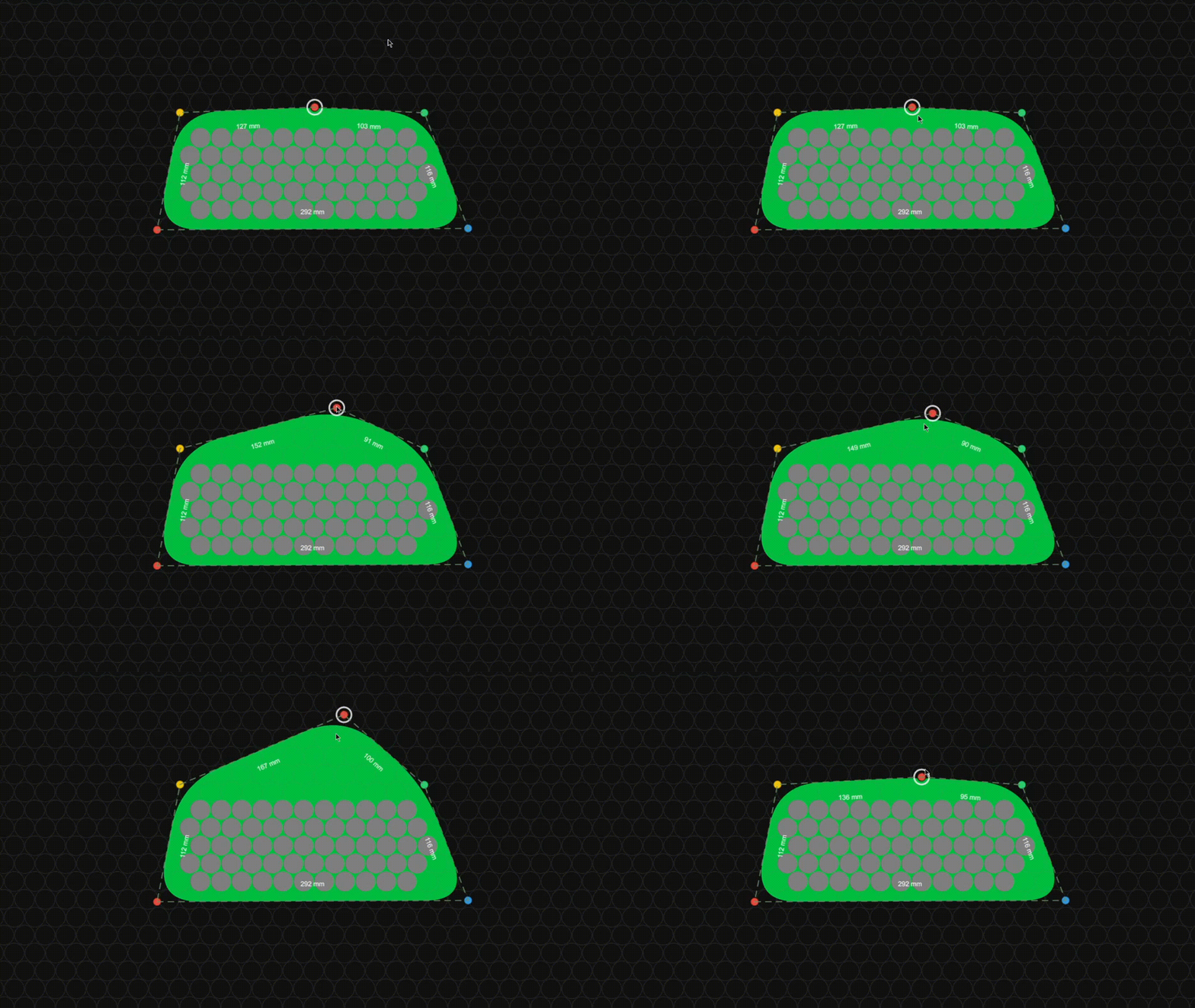
There is now a custom case tool. You can get to it by going to Settings --> Parameters --> Frame Type and choosing 'custom' from the drop down menu.

Currently, the default custom case is rather large and is made up of 4 points that form a rectangle in the middle of the cell grid like this:

Soon, I will make it so that the default custom case points encapsulate the actual battery that you're working on but for now, this is the default custom case.
Soon, I will make it so that the default custom case points encapsulate the actual battery that you're working on but for now, this is the default custom case.
You can easily drag the points to form a custom case around the battery that you are designing.

You can double click anywhere near the custom case polygon to create a new control point.

You can drag a point to move it like this: